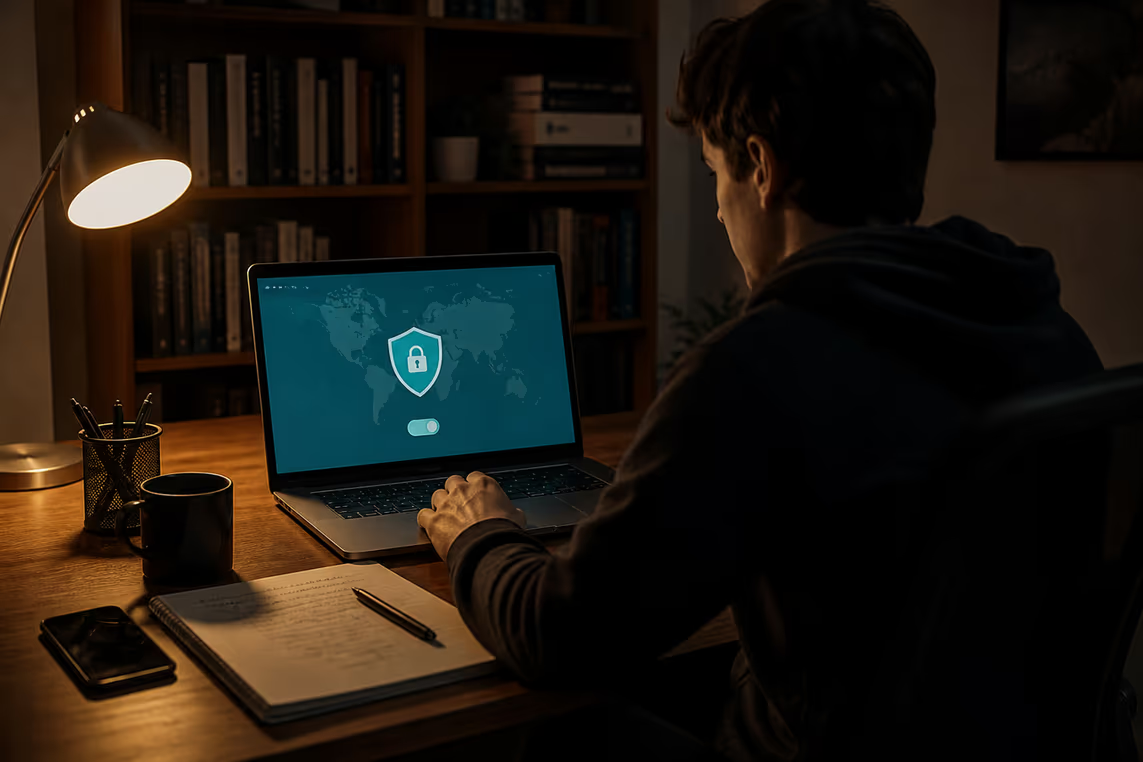
What is the Dark Web
The dark web is a specific segment of the deep web. It is intentionally hidden from standard web browsers. Accessing this area requires special software, primarily the Tor browser. This software directs internet traffic through a network of relays, enabling anonymous communication[1].
While many associate the dark web with illegal activities, not everything here is illicit. It hosts legitimate resources, including whistleblower sites like WikiLeaks and SecureDrop[2]. These platforms serve important functions, such as protecting the identity of individuals reporting on government or corporate misconduct.
Access to the dark web is generally legal in most countries. However, it is crucial to remember that engaging in illegal activities remains against the law. Law enforcement agencies have developed techniques to deanonymize Tor users under specific circumstances, so caution is essential.
When navigating the dark web, using Tor is vital. It is free to download and use[3]. Additionally, avoiding suspicious links and never downloading files from untrusted sources enhances safety.
If difficulties arise while accessing the dark web, check your Tor connection. Ensure that the browser is up to date and that your internet connection is stable. For added privacy, consider using a VPN alongside Tor. This can provide an extra layer of security while browsing.
In summary, the dark web offers a unique online environment that requires careful navigation. Understanding its nature and potential risks is crucial for safe exploration.
Preparing to Access the Dark Web
Anonymity is crucial when accessing the dark web. Without it, personal information can be exposed, leading to potential risks. This is where a VPN comes into play. A Virtual Private Network encrypts internet traffic, adding an extra layer of protection. Choosing a reputable VPN that does not log user activity is essential for maintaining privacy.
Consider the following options when selecting a VPN:
No-logs policy: Ensure the VPN does not retain user activity logs.
Strong encryption standards: Look for VPNs that offer AES-256 encryption.
Compatibility with Tor: Some VPNs work better with Tor, enhancing privacy.
Next, creating a secure browsing environment is vital. Start by ensuring your Tor Browser is up to date. Regular updates help protect against vulnerabilities. Adjust security settings in the Tor Browser to a higher level for extra protection. This can block potentially harmful content and increase safety.
If issues arise while trying to connect, check your internet connection. Ensure that your VPN is working properly and does not interfere with the Tor connection. If the Tor network is slow, patience is key; browsing may take longer than on the regular web.
In summary, anonymity, a reliable VPN, and a secure browsing environment are essential for safely accessing the dark web. Taking these steps reduces risks and enhances the overall experience.
Step-by-Step Guide to Accessing the Dark Web
Accessing the dark web requires careful preparation and awareness of potential risks. First, downloading the Tor Browser is essential. This software enables anonymous communication by routing traffic through a network of relays[1].
When configuring Tor, consider adjusting the security settings. Higher security levels can block potentially harmful content, which is crucial for safe browsing. If uncertainties arise during installation or configuration, refer to troubleshooting resources available online.
While using Tor is legal in most countries, engaging in illegal activities is not. Therefore, familiarising oneself with local laws is important. For instance, if someone inadvertently stumbles upon illegal content, they should exit the site immediately and avoid interaction.
Connecting to the Tor network may take time. If connection issues occur, verify the internet connection and ensure that no firewall settings block Tor access. Sometimes, switching to a different network can resolve connectivity problems.
Upon successful connection, accessing .onion sites is straightforward. Starting with directories like "The Hidden Wiki" can help users find reliable links. However, be cautious; not all links are safe. Avoid clicking on suspicious or unverified links, which could lead to malware or scams.
For added privacy, using a VPN alongside Tor is advisable. This combination enhances anonymity, making it harder to track online activities. Choose a reputable VPN that does not log user activity to maximise protection.
In summary, accessing the dark web involves downloading and configuring the Tor Browser, understanding legal implications, and maintaining a cautious approach while browsing.
Safety Precautions
What are the risks of browsing the dark web? Malware and phishing attacks are common threats in this hidden part of the internet. Users must be vigilant to protect their devices and personal information.
To stay safe, always use the Tor Browser when accessing the dark web. This software directs traffic through a network of relays, providing anonymity[1]. However, it is essential to avoid suspicious links. These can lead to malware infections or phishing sites designed to steal personal data. Never download files from untrusted sources, as they may contain harmful software.
Consider these safety practices:
Use a VPN: A Virtual Private Network adds an extra layer of encryption and privacy. Choose a reputable VPN that does not log user activity.
Keep software updated: Regularly update the Tor Browser to protect against vulnerabilities.
Adjust security settings: Set the Tor Browser to a higher security level to block potentially harmful content.
Be cautious with personal information: Avoid sharing any identifiable information while browsing.
In the event of problems, such as slow connections or difficulty accessing sites, check your Tor connection and ensure your internet is stable. If issues persist, switching networks may help.
Law enforcement agencies have techniques to deanonymize Tor users under specific circumstances. Therefore, understanding the legal implications of dark web activities is crucial. While accessing the dark web is generally legal, engaging in illegal activities is not.
In summary, the dark web presents risks that require careful navigation. By employing safe browsing practices, users can reduce the likelihood of encountering problems.
Common Myths and Misconceptions
Is the dark web illegal? This question often arises, leading to confusion. The dark web is a part of the deep web that is intentionally hidden from standard web browsers[1]. Accessing it through Tor is not illegal in most countries. However, engaging in illegal activities while on the dark web is certainly against the law.
Another common belief is that users cannot be tracked on the dark web. While Tor enables anonymous communication by directing internet traffic through a network of relays[1], law enforcement agencies have developed techniques to deanonymize users under specific circumstances. This means that while anonymity is a significant feature, it is not foolproof.
Consider the following points to clarify misconceptions:
Legitimacy: Not everything on the dark web is illegal. It hosts legitimate content, including whistleblower sites like WikiLeaks and SecureDrop[2]. These platforms serve important purposes, such as protecting whistleblowers.
Safety Practices: To stay safe on the dark web, using Tor is essential. Avoiding suspicious links and never downloading files from untrusted sources can help mitigate risks.
Legal Awareness: Familiarising oneself with local laws regarding dark web usage is vital. This knowledge can prevent legal issues and ensure safe exploration.
In cases of difficulties accessing the dark web, check the Tor connection and ensure the browser is up to date. If problems persist, using a VPN in conjunction with Tor can provide an additional layer of anonymity.
Understanding these myths and misconceptions is crucial for safe navigation of the dark web. It allows users to make informed decisions about their activities online.
Legal Activities on the Dark Web
What are some legitimate uses of the dark web? While many associate it with illegal activities, it also serves important legal functions. Whistleblowing is a prime example. Platforms like WikiLeaks and SecureDrop allow individuals to report misconduct anonymously, protecting their identities[2]. This is crucial in environments where exposing wrongdoing can lead to severe consequences.
Accessing the dark web is generally legal in most countries. However, it is essential to stay within legal boundaries. Engaging in illegal activities remains against the law. If someone accidentally stumbles upon illegal content, they should exit immediately and avoid any interaction.
Here are some legitimate uses of the dark web:
Whistleblowing: Reporting on government or corporate misconduct.
Accessing Censored Information: Finding news or data that may be restricted in certain countries.
Privacy-focused Communication: Engaging in discussions where anonymity is critical.
Navigating the dark web requires caution. Law enforcement agencies can deanonymize users under specific circumstances. Therefore, using Tor to access this area is vital for maintaining anonymity[1].
If issues arise while accessing the dark web, check the Tor connection and ensure the browser is updated. If difficulties persist, consider using a VPN for added privacy. This combination can enhance security and anonymity while browsing.
In summary, the dark web offers valuable resources for legal activities, but users must remain vigilant and informed about the risks involved.