What Does it Mean When Your Email is Found on the Dark Web?
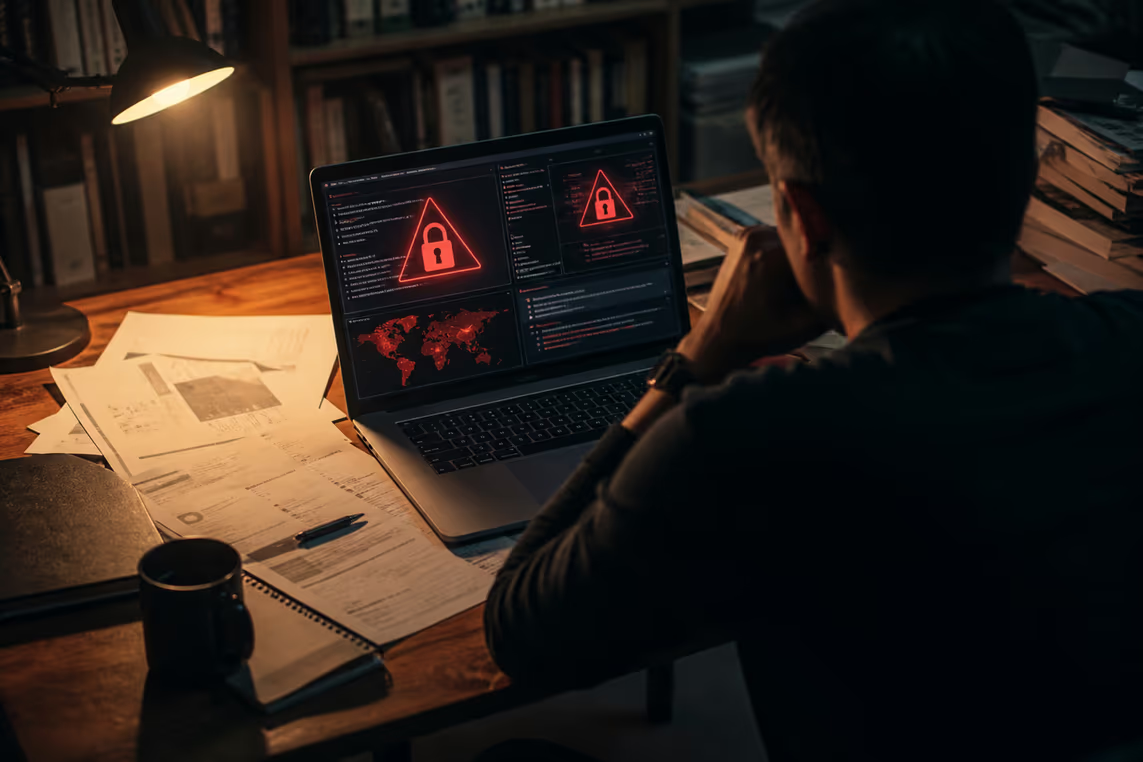
Discovering your email on the dark web can be alarming. It indicates that your data may have been exposed in a data breach. This exposure has serious implications for your online security and privacy.
When an email appears on the dark web, it can mean two things: it is either listed or compromised. Being listed means your email address is available for sale or distribution, often collected from various breaches. In contrast, being compromised suggests that your account has been accessed without your permission, potentially leading to identity theft or unauthorised access to your accounts.
Risks Associated with Your Email on the Dark Web
Identity Theft: Cybercriminals can use your email to impersonate you, gaining access to sensitive information and financial accounts.
Phishing Attacks: Your email may be targeted for phishing attempts, where attackers impersonate legitimate sources to steal more personal information.
Account Takeovers: If attackers have your email and password, they can gain access to numerous accounts, especially if you reuse passwords.
What to Do If Your Email is Found
If you find your email on the dark web, take immediate action:
Change Passwords: Update passwords for any accounts linked to that email. Use strong, unique passwords for each account.
Enable Two-Factor Authentication: This adds an extra layer of security, making it harder for attackers to access your accounts.
Monitor Accounts: Keep an eye on your financial statements and online accounts for any suspicious activity.
What Not to Do
Don’t Panic: While this is serious, it’s crucial to remain calm and take measured steps.
Avoid Reusing Passwords: Always use unique passwords for different accounts to minimise the risk of a domino effect if one account is compromised.
Understanding these implications can help in managing risks associated with your online presence. The dark web is a risky place, and being proactive about email security is essential.
How to Check if Your Email is on the Dark Web
Curious if your email is lurking on the dark web? Several tools and services can help uncover this information. These resources scan various databases where compromised emails are often listed.
Dark Web Monitoring Services
Dark web monitoring services are designed to alert users if their email addresses appear in known data breaches. Some popular options include:
Have I Been Pwned: This site allows users to check if their email has been involved in a data breach. It aggregates data from numerous breaches and provides a simple interface for checking.
Identity Guard: This service offers comprehensive monitoring, including dark web scans. It alerts users when their email is detected in suspicious locations.
LifeLock: Known for identity theft protection, LifeLock also includes dark web monitoring as part of its services.
How to Use These Services
Visit the website of the monitoring service you choose.
Enter your email address into the search bar provided.
Review the results. The service will inform you if your email appears in any reported breaches.
Additional Tools
Beyond monitoring services, consider using password management tools. These can help create strong, unique passwords and alert you to potential breaches. Some popular password managers include:
LastPass
1Password
Dashlane
Remember to Stay Vigilant
Regularly checking your email's status on the dark web should be part of a broader strategy for online security. Keep in mind the importance of enabling two-factor authentication on accounts associated with your email. This adds an additional layer of protection against unauthorized access.
Using these tools can significantly enhance your email security. Knowing if your email is compromised allows you to take swift action to protect your identity and personal information.
Immediate Steps to Take if Your Email is on the Dark Web
Discovering your email on the dark web requires immediate action. Here are the essential steps to take.
Change Your Passwords
Start by changing the passwords for any accounts associated with the compromised email. Use strong passwords that include a mix of letters, numbers, and symbols. For example, instead of "password123," consider something like "P@55w0rd!2023." Avoid using the same password across multiple accounts. This helps prevent a chain reaction if one account is compromised.
Enable Two-Factor Authentication (2FA)
Adding 2FA to your accounts significantly enhances security. With 2FA, even if someone has your password, they would still need a second form of verification to access your account. This could be a code sent to your phone or an authenticator app. Many services, including email providers and financial institutions, offer this feature.
Monitor Your Accounts
Regularly check your financial statements and online accounts for any unusual activity. Look for transactions you don't recognise or changes to your account details. Set up alerts for significant account activity, which can help you catch any potential issues early.
Use Password Management Tools
Consider using a password manager to keep track of your passwords securely. These tools can generate strong passwords and store them safely. Popular options include LastPass, 1Password, and Dashlane. They can help you maintain unique passwords for each account without the hassle of remembering them all.
What Not to Do
Don’t Ignore the Situation: Treat this discovery seriously. Ignoring it could lead to identity theft or financial loss.
Avoid Panic: Staying calm allows for better decision-making. Focus on taking the right steps to secure your accounts.
Taking these actions can help mitigate the risks associated with your email being on the dark web. Proactive measures are essential for maintaining your online privacy and security.
Understanding the Risks: Data Breaches and Identity Theft
How do data breaches turn your email into a dark web commodity? When companies experience data breaches, hackers often gain access to sensitive information, including email addresses. This data can be sold or shared on the dark web, exposing individuals to various risks, including identity theft.
Data Breaches Explained
A data breach occurs when unauthorised individuals access sensitive data. Common causes include:
Weak cybersecurity measures
Human error
Phishing attacks
Once hackers obtain email addresses, they can use them for malicious purposes. This can lead to a range of problems, such as unauthorised access to accounts or targeted phishing attacks.
Potential Consequences of Exposure
Identity Theft: Cybercriminals can impersonate individuals using their email addresses. This can lead to unauthorised access to bank accounts or credit cards.
Account Takeovers: If passwords are also compromised, attackers can access multiple accounts. This is especially concerning if the same password is reused across platforms.
Increased Phishing Risks: Exposure on the dark web often leads to an uptick in phishing attempts. Attackers may impersonate trusted sources to extract more personal information.
What to Do to Protect Yourself
Strengthen Email Security: Use strong, unique passwords for your email accounts.
Enable Two-Factor Authentication (2FA): This adds an extra layer of protection. Even if a hacker has your password, they would need a second verification step to access your account.
Monitor Your Accounts: Regularly check for unusual activity in your accounts. This helps catch potential misuse early.
What Not to Do
Don’t Share Personal Information: Avoid providing personal details over email, especially to unknown sources.
Don’t Overlook Suspicious Emails: Always verify the source before clicking on links or attachments.
Understanding these risks and taking proactive measures can significantly reduce the chances of falling victim to identity theft. The dark web is a dangerous space, and being aware of its implications is essential for maintaining online privacy.
Can You Remove Your Email from the Dark Web?
Removing an email from the dark web is challenging. Once data is leaked, it can spread quickly across various platforms. However, there are some potential methods to mitigate the risk.
Understanding the Challenges
The dark web is a vast network, and data can be shared anonymously. This makes tracking down and removing personal information difficult. Even if a specific listing is removed, copies may still exist elsewhere.
Potential Methods for Removal
Contacting Websites: If your email appears on a specific dark web site, contacting the site administrators might help. However, many of these sites operate without accountability, making this approach unreliable.
Utilising Professional Services: Some companies specialise in dark web monitoring and can assist in identifying and potentially removing personal information. These services often include:
Continuous monitoring of dark web listings
Alerts when your information is found
Guidance on securing your accounts
Strengthening Online Security: While not a removal method, improving email security can help prevent future exposure. Here are some steps:
Implement Two-Factor Authentication: Adding this layer of security makes account breaches less likely.
Use a Password Manager: This can help create and store strong, unique passwords for each account.
Regularly Update Passwords: Change passwords periodically to reduce the risk of ongoing access.
What to Avoid
Don’t Engage with Criminals: Attempting to buy your information back or negotiate can lead to further risks.
Avoid Sharing More Information: Providing personal details in an attempt to remove your email can backfire and expose you to more threats.
Staying alert and proactive is crucial. While removing an email from the dark web may not be entirely possible, taking steps to protect personal information can significantly reduce risks.
Preventive Measures to Avoid Future Compromises
How can individuals safeguard their email accounts from future breaches? Implementing best practices for email security is essential in this digital age. Here are some effective strategies to enhance your email security.
Use Unique Passwords
Always create strong, unique passwords for each account. For instance, instead of "password123," use a combination of letters, numbers, and symbols, such as "P@55w0rd!2023." Password managers like LastPass or 1Password can help generate and store these complex passwords securely.
Enable Two-Factor Authentication (2FA)
Activating 2FA adds an extra layer of protection. With this feature, even if someone obtains your password, they would still need a second form of verification, such as a code sent to your mobile device. Most email providers and financial institutions offer this option.
Be Cautious with Email Interactions
Exercise caution when interacting with emails. Avoid clicking on links or downloading attachments from unknown senders. Phishing attempts often disguise themselves as legitimate communications. If an email seems suspicious, verify the sender before taking any action.
Regularly Update Passwords
Changing passwords periodically can help protect against unauthorized access. Set a reminder to update passwords every few months. This practice reduces the likelihood of a hacker maintaining access if they have previously obtained your password.
Monitor Your Accounts
Keep an eye on your financial statements and online accounts for unusual activity. Look for transactions you don't recognize or changes in account settings. Setting up alerts for significant account activity can provide early warnings of potential issues.
What Not to Do
Don’t Reuse Passwords: Using the same password across multiple accounts increases vulnerability.
Avoid Ignoring Security Alerts: If a service notifies you of suspicious activity, take it seriously and act promptly.
Incorporating these practices into daily online habits can significantly enhance email security. Taking proactive steps is vital for maintaining online privacy and protecting against potential threats.